A calmer clinic experience, from booking to follow-up.
Mediq brings appointment booking, live queue updates, and personal health records into one patient-facing app. I designed it as my capstone project at CDA Academy in Kochi, focusing on the uncertainty that builds before a patient even meets the doctor.
- Role
- Solo UI/UX Designer
- Duration
- 1–2 weeks
- Type
- Capstone project
Seeing a doctor should not begin with uncertainty.
Booking an appointment can still involve phone calls, front desks, and paper forms. Then comes the waiting, often without a clear sense of how long it will take. Prescriptions and reports sit elsewhere. The stress starts well before the consultation.
Research into OPD waiting times in India helped validate the direction. Mediq is a concept project and has no live-user data.

Bring the patient journey into one focused space.
I wanted to do more than shorten the booking flow. Patients also needed help choosing the right care, knowing where they stood in the queue, and finding their health information without relying on a family member or the front desk.
One short test changed who I was designing for.
I asked my grandmother, who is in her seventies and is not fluent in English, to try booking a general check-up in an early prototype. She got stuck almost immediately. The flow expected her to know which medical specialty she needed and to feel comfortable navigating an English-first interface.
That test changed the project. A flow that only worked for confident app users would leave out many of the people who needed it most.

Book, queue, and manage your health in one place.
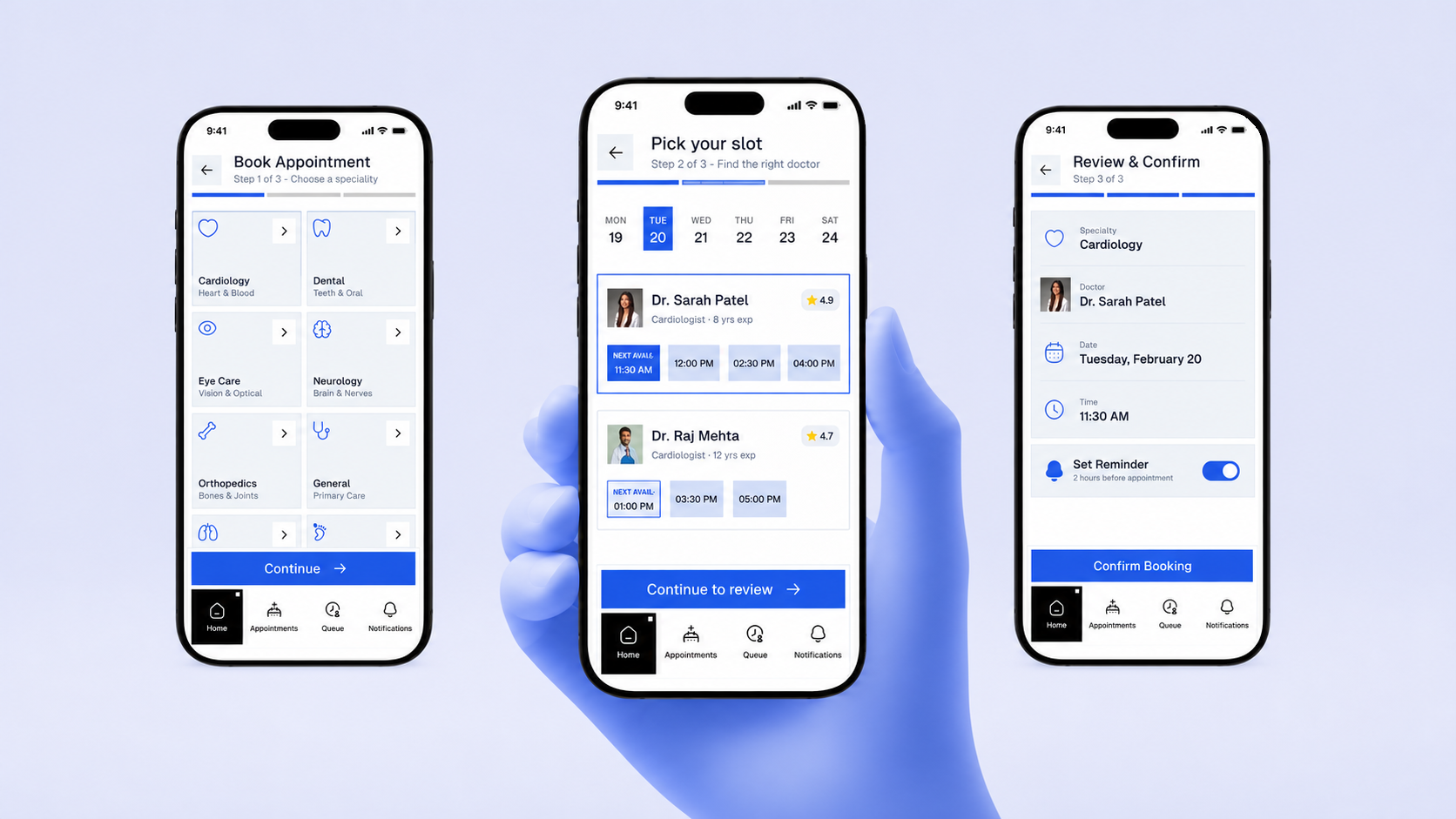
Mediq puts the patient’s journey in one place: choosing and booking care, following the live queue, and returning to records afterward. Each part answers a question that used to require a call, a form, or help from someone else.
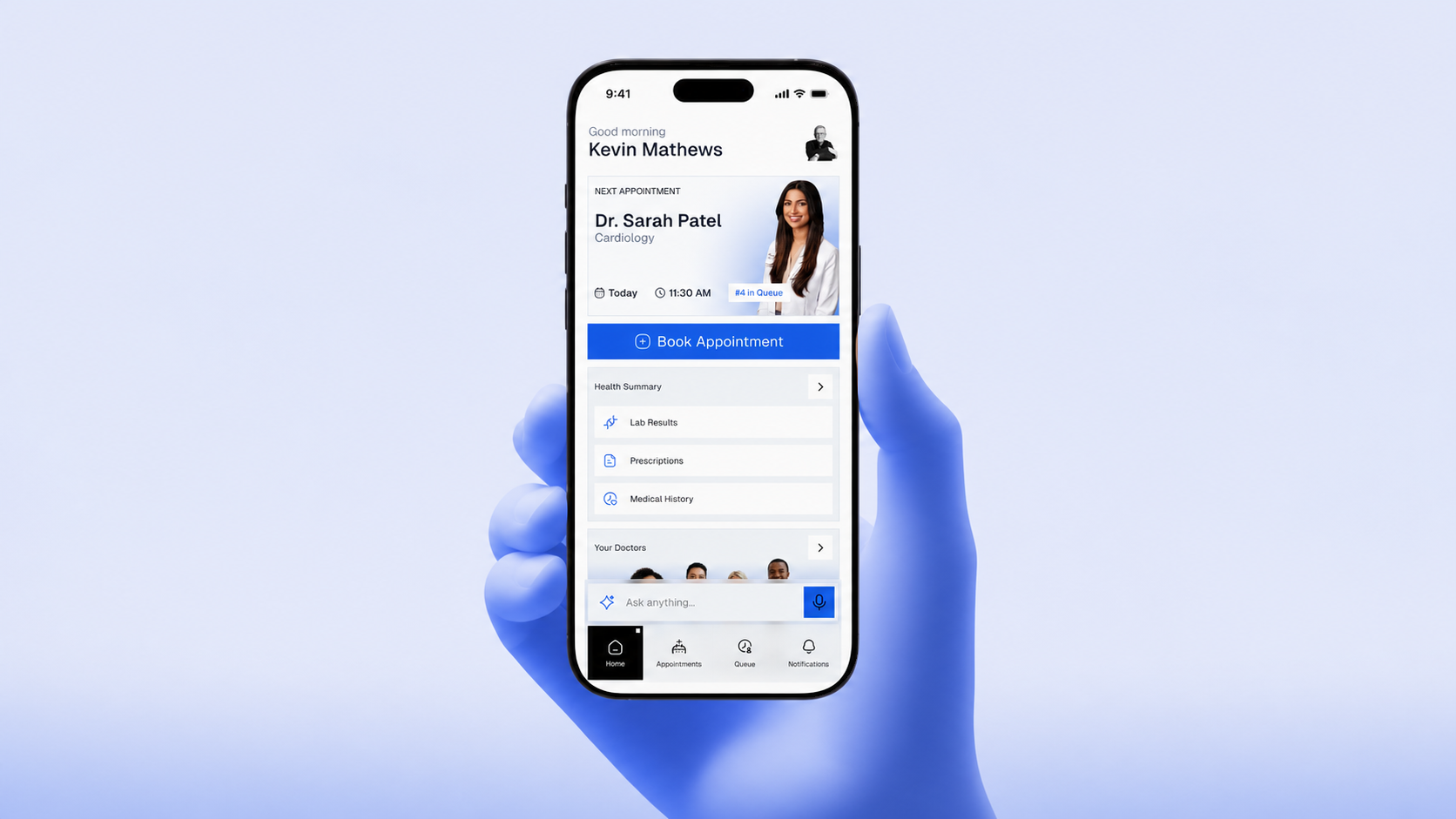
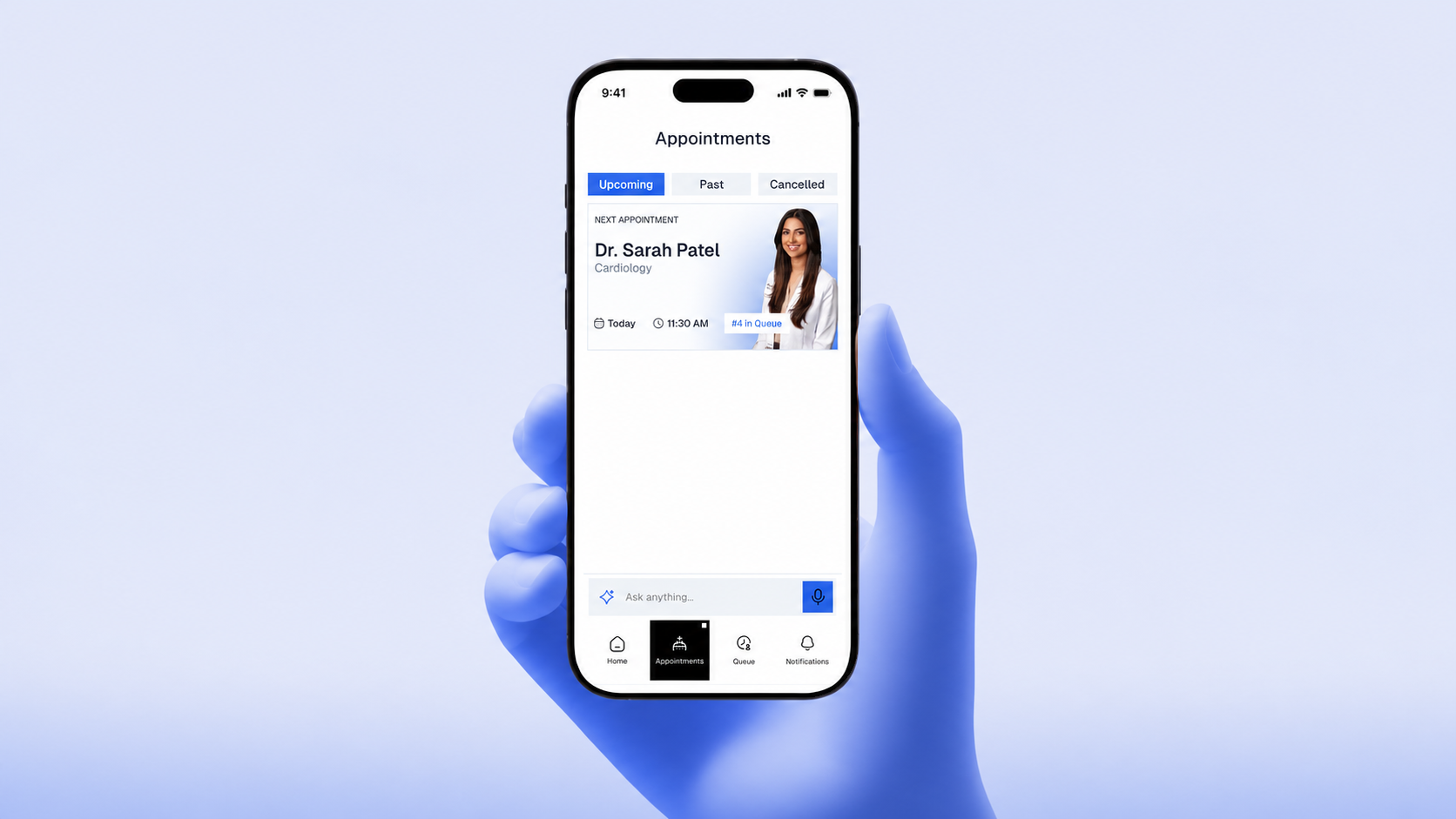
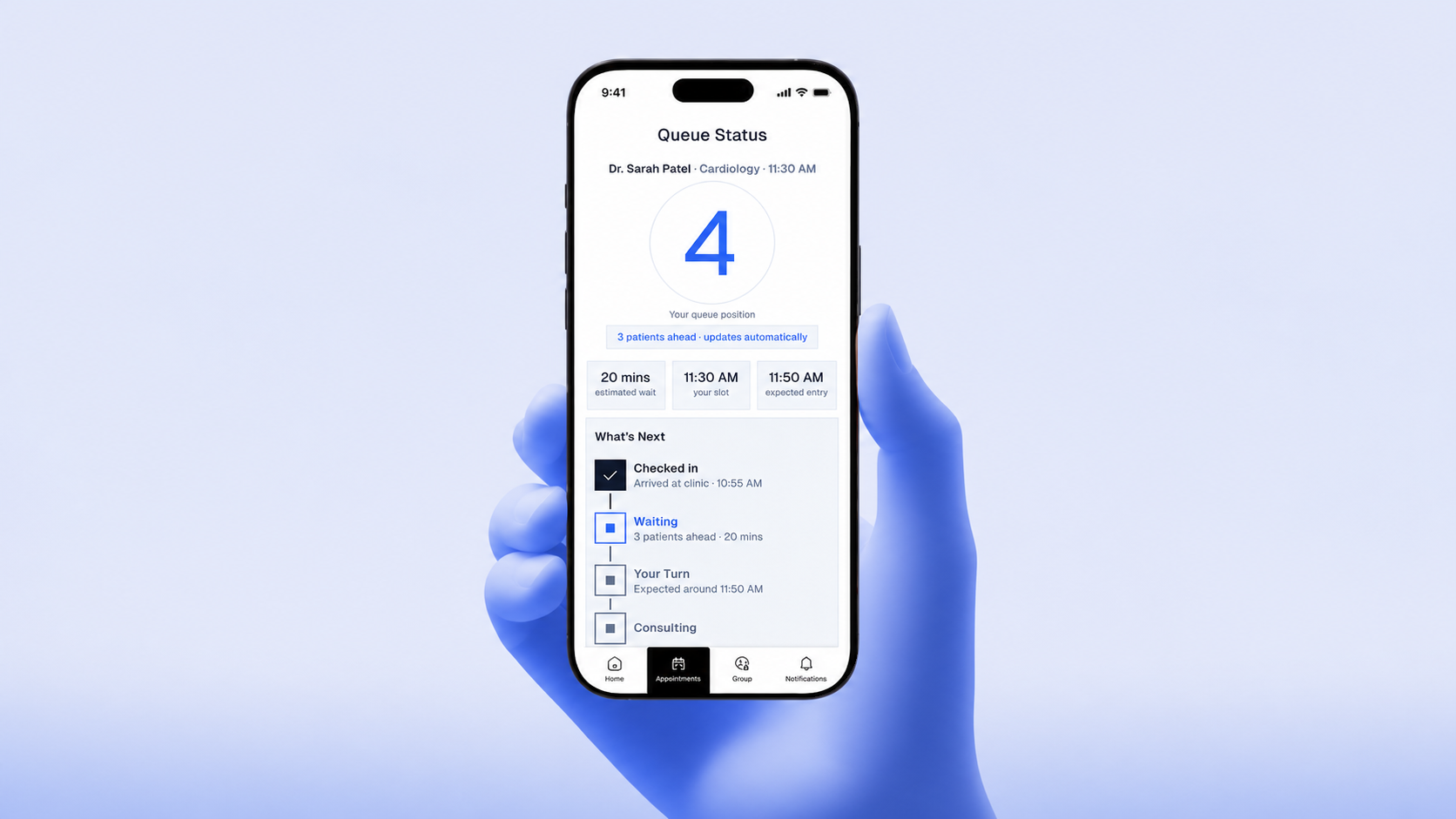
Taking Mediq beyond the app.
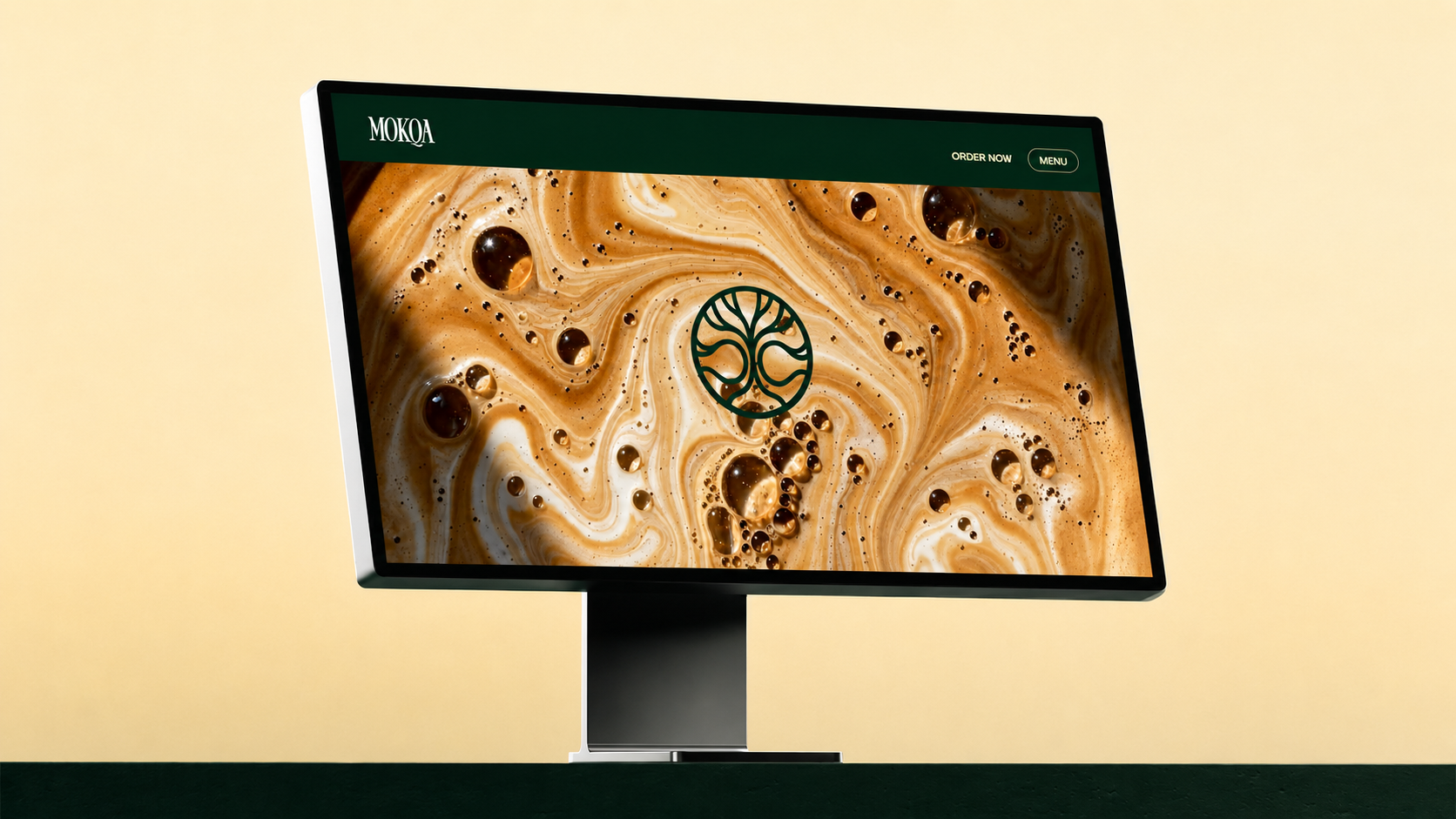
After the capstone, I designed and built a responsive Mediq website with Codex as a separate, self-initiated project. It introduces the service, explains what it offers patients and clinics, and adapts the app’s visual language for the web.
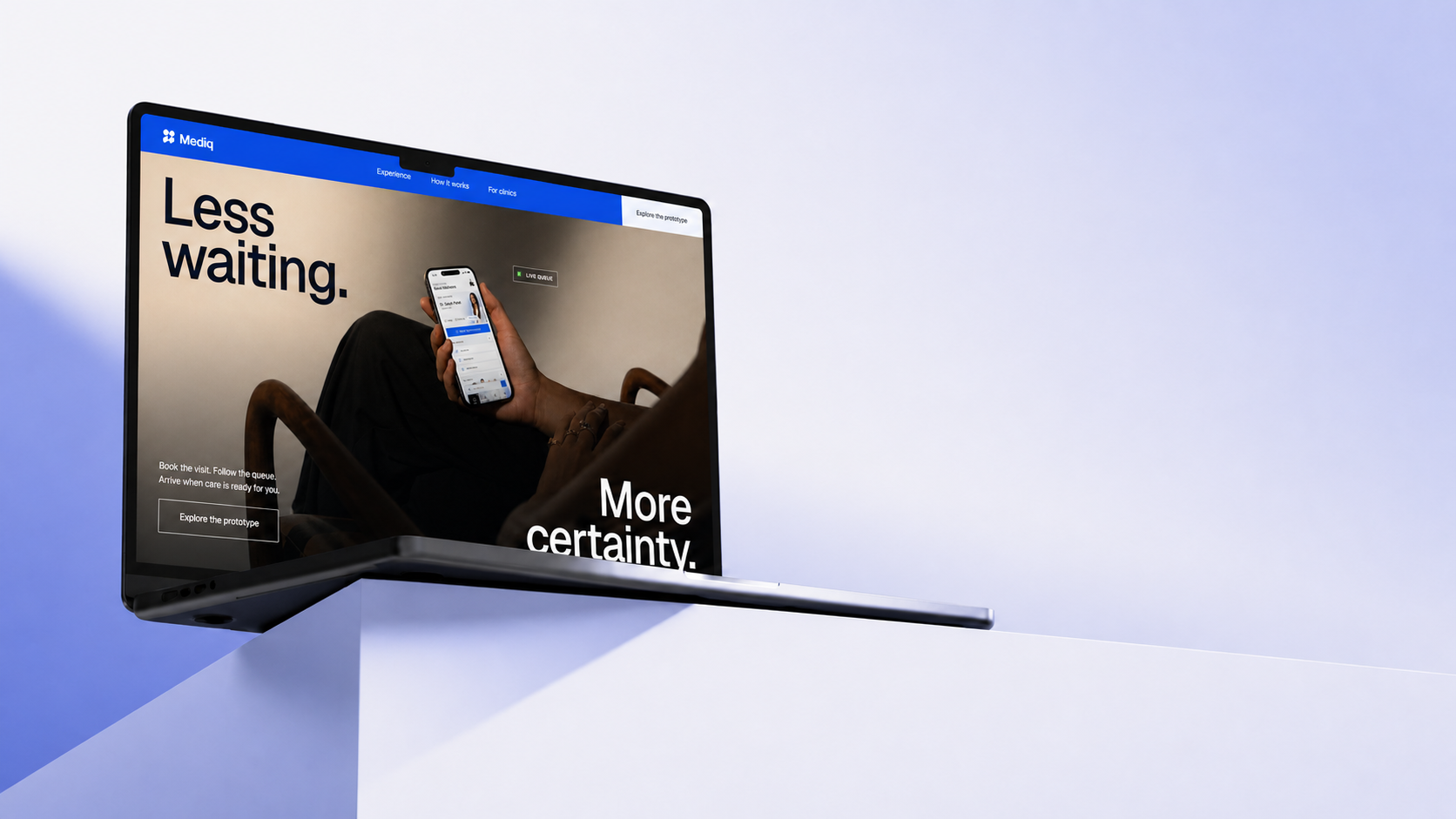
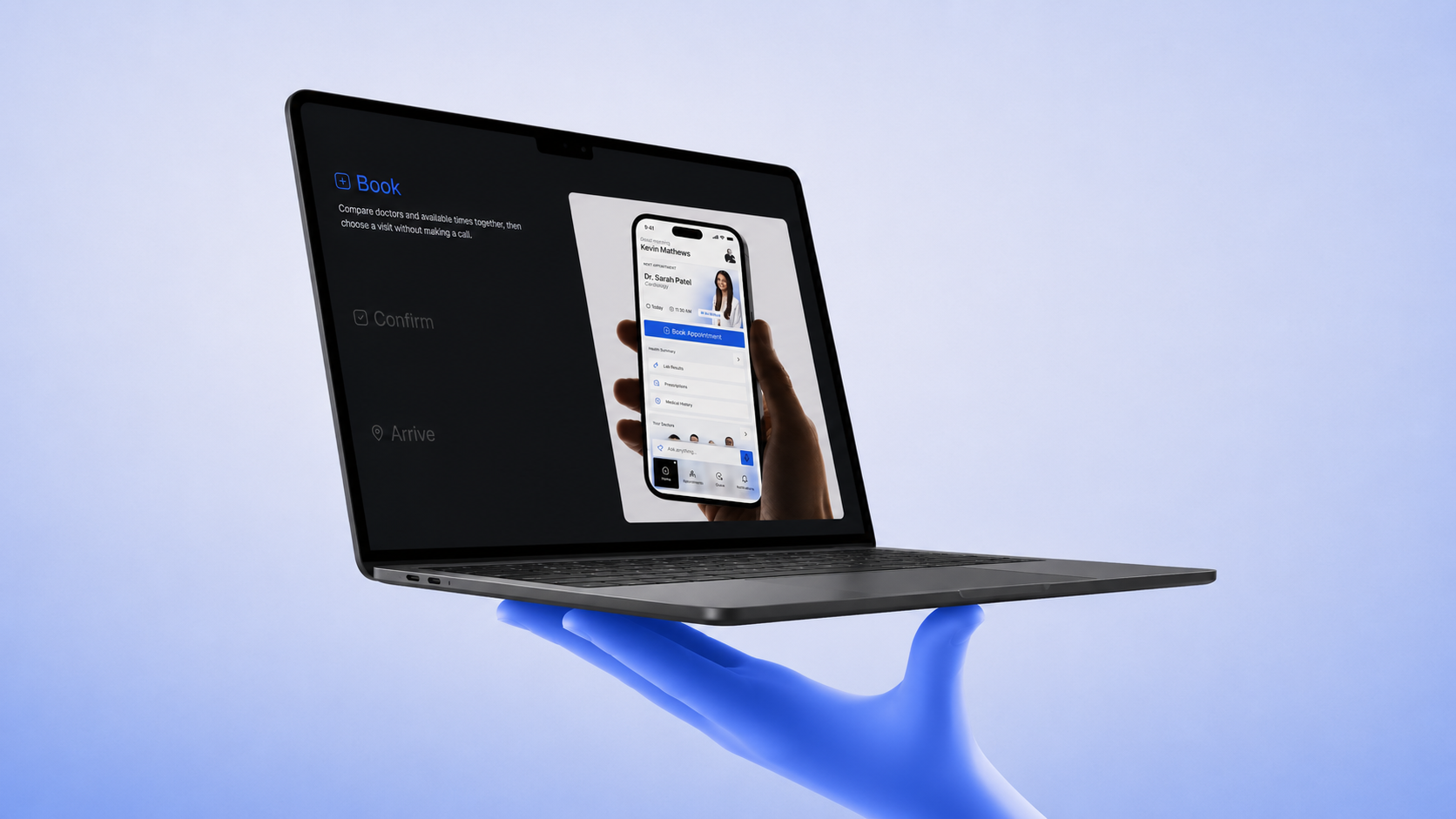
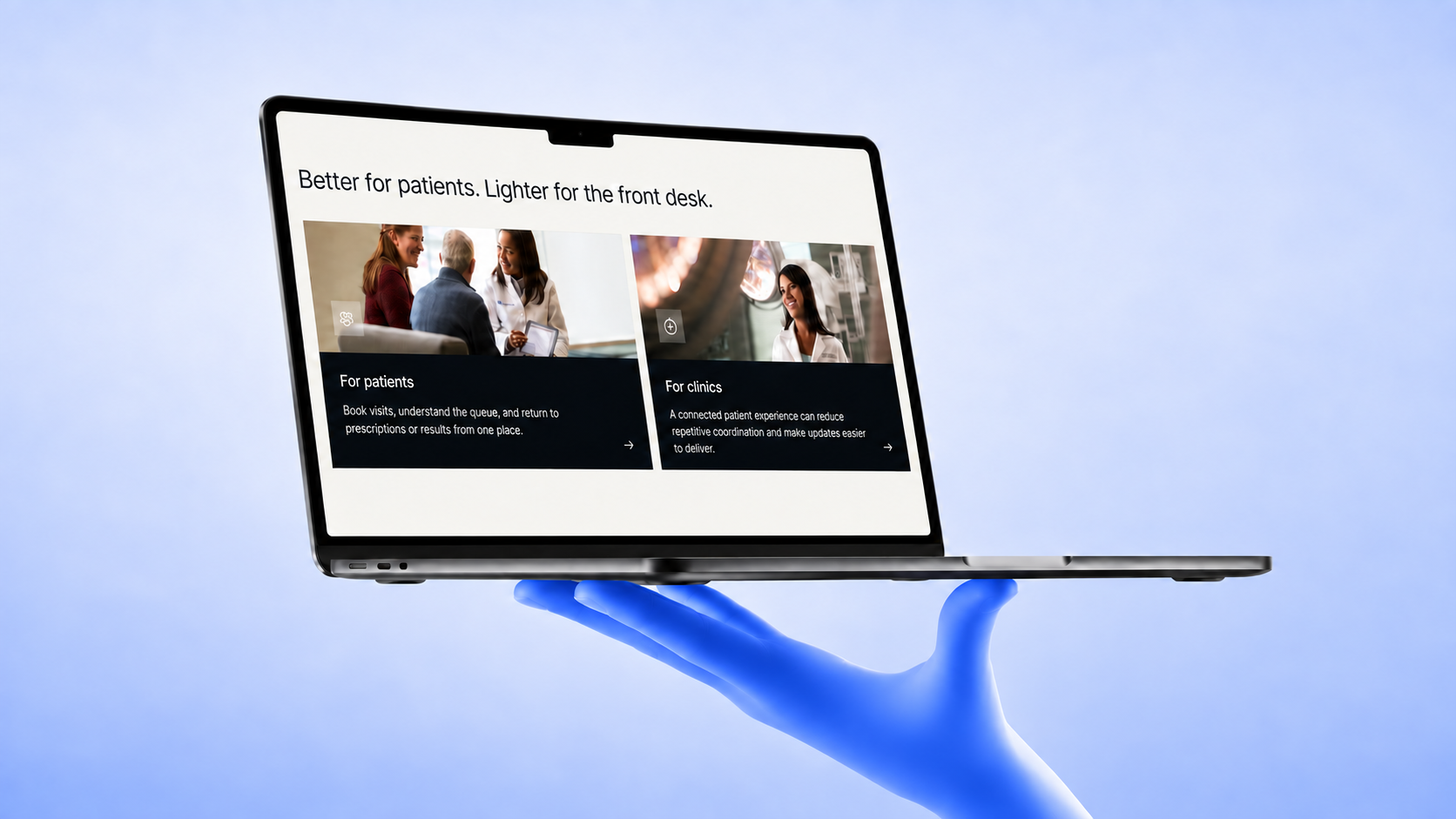
Each decision traces back to a moment of friction.
Let patients describe what they feel
The first concept relied on specialty icons. That works when someone already knows what kind of doctor they need, but my grandmother did not. I kept the icon grid for confident users and added a voice-first assistant so a patient can describe a symptom in their own words instead.
Make date and doctor one decision
I first separated date and doctor selection into two screens. But the two choices depend on each other: patients need to know who is available on a particular day. Combining them removed a step and made that relationship visible.
Design the queue around anxiety
The queue screen leads with three things: position, estimated wait, and what happens next. More information would not make the wait easier. A clear answer about where the patient stands might. Reminders are on by default for the same reason.
What I could validate, and what I could not.
Mediq was a capstone project, so I could not measure it with live usage data. I based the major design decisions on the usability issue I observed with my grandmother, friction in the patient journey, and accessibility gaps in the early flow.
I also considered a companion experience for clinic staff, but kept the scope focused on patients because I had not tested the staff-side workflow.
Accessibility became a question of who the flow quietly excludes.
Testing with my grandmother was the most useful part of the project. It showed me how easy it is to design for someone who thinks and navigates like I do. Since then, I have thought less about accessibility as a checklist and more about the assumptions built into every step.
Without live usage data, I focused on showing how each observation changed the design.